


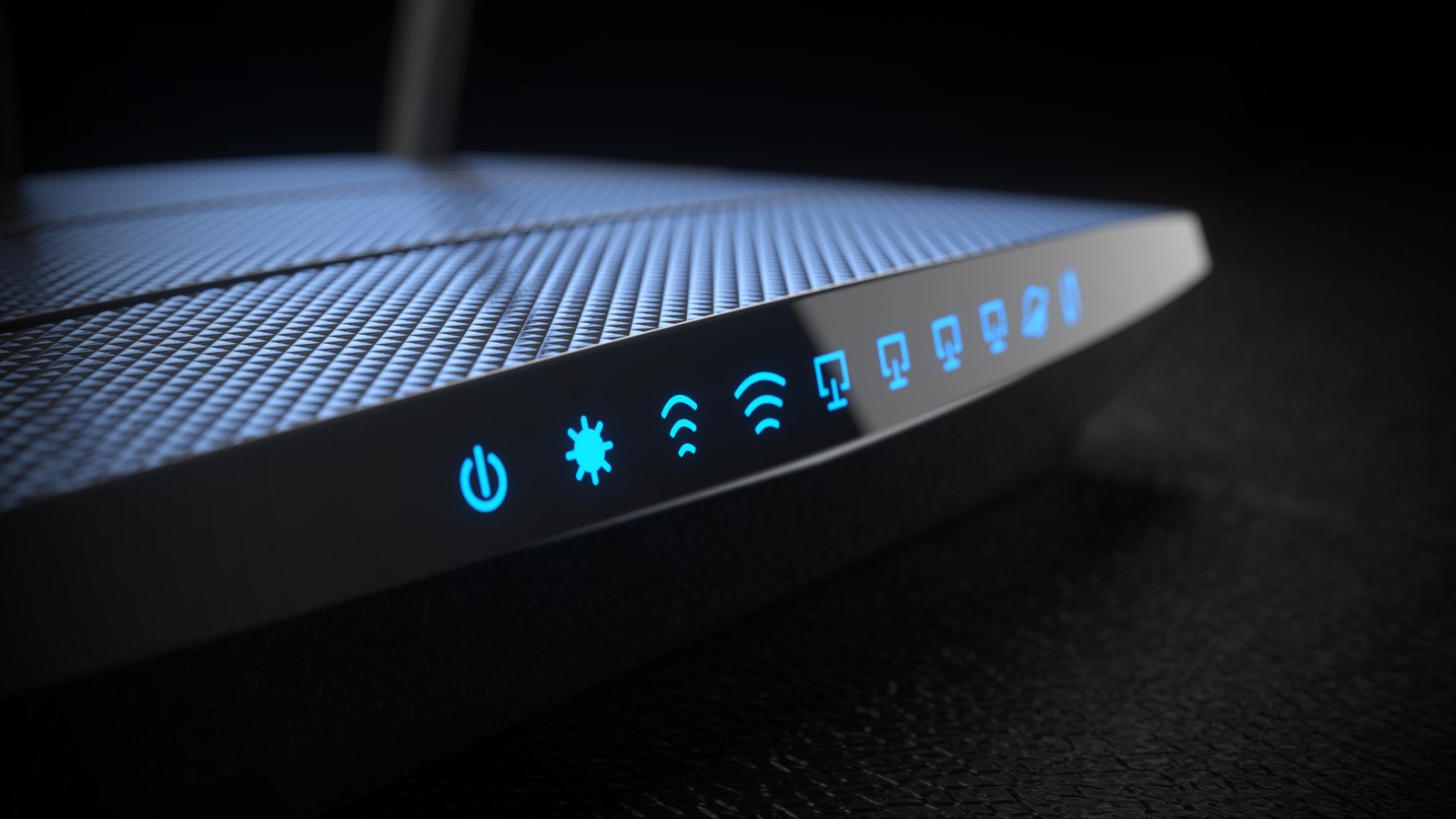
Slow Wi-Fi Speeds Turn Evening Relaxation Into Pure Agony
Dealing with slow Wi-Fi speeds is uniquely infuriating because network performance constantly shifts without warning. One evening, your Netflix stream looks crisp and clear, while the next night brings stuttering video and endless loading circles. Although background torrent downloads or failing ISP infrastructure can trigger these issues, millions of users suffer from a predictable daily plague: sudden evening slowdowns. As soon as local residents return home to stream movies or game online, performance drops sharply across the entire neighborhood.
The Root Causes of Peak Hour Network Traffic Jams
The primary culprit behind this frustration is simple local congestion. Unless you live in a remote rural area, your neighbors are likely jumping online at the exact same time you do. Cable internet services aggregate bandwidth across entire residential blocks, meaning heavy usage by others directly impacts your connection. Fiber-optic setups handle heavy loads much better, but wireless interference remains a universal headache. In crowded apartment buildings, competing routers, microwaves, and Bluetooth peripherals choke the shared airwaves, making stable connections difficult to maintain.
- Unplug your modem and standalone router for 30 seconds to force a fresh connection.
- Log into your router dashboard and create distinct SSIDs for each wireless frequency.
- Force bandwidth-heavy devices like streaming boxes onto the uncongested 5GHz band.
- Leave the slower 2.4GHz frequency strictly for smart bulbs and plugs.
Actionable Steps to Reclaim Your Maximum Bandwidth
While you cannot stop your neighbors from streaming, you can easily optimize your own hardware setup to fight back. Restarting your networking equipment clears cached data and negotiates a cleaner link with your internet provider. Taking the extra step to isolate your devices onto dedicated wireless channels prevents signal degradation. The longer-range 2.4GHz band is notoriously vulnerable to interference from household electronics, so shifting high-demand gear to 5GHz or 6GHz bypasses those bottlenecks entirely.
Why Managing Your Home Network Habits Matters
Coping with slow Wi-Fi speeds ultimately comes down to understanding your local environment and tightening your router configurations. Because shared neighborhood bandwidth limits what your ISP can deliver during peak hours, proactive optimization inside your home is your strongest weapon. By separating your smart home gadgets from your high-speed entertainment gear, you can minimize wireless interference and enjoy smooth, uninterrupted streaming whenever you want.
For full official background and direct documentation, read the source coverage on engadget Reporting.
Slow Wi-fi Speeds Market Impact and Industry Significance
The introduction of Slow Wi-fi Speeds represents a pivotal shift in modern technological adoption across enterprise and consumer sectors alike. Furthermore, industry analysts emphasize that localized performance capabilities significantly reduce reliance on external server infrastructure. Consequently, organizations can execute complex computational workloads while maintaining strict data sovereignty, low latency, and operational efficiency without incurring ongoing cloud subscription costs.
Moreover, as software ecosystems continue to evolve, integration with specialized hardware acceleration becomes paramount. Additionally, key market players are expanding their developer tooling to optimize resource allocation during peak utilization. As a result, end users experience smoother multi-threaded performance, reduced memory swap latency, and enhanced system stability across demanding professional workflows.
Performance Benchmarks and Practical Slow Wi-fi Speeds Scenarios
In real-world deployment scenarios, evaluating sustained throughput and thermal efficiency is essential for technical decision-makers. Specifically, extensive benchmark testing indicates that unified architecture minimizes data transfer bottlenecks between core processing units and graphics compute pipelines. Therefore, demanding tasks operate with minimal compute overhead.
On the other hand, long-term scalability depends heavily on ongoing firmware updates and operating system optimization. Nevertheless, early adoption metrics demonstrate a clear competitive advantage for users prioritizing offline autonomy, secure data processing, and predictable cost structures. Ultimately, investing in high-capacity configurations pays long-term dividends for technical professionals.

1 Comment
Pingback: TechOneApp Replaces SIM Card Guide With Safe Power Steps